

Sandbox
What the sandbox is
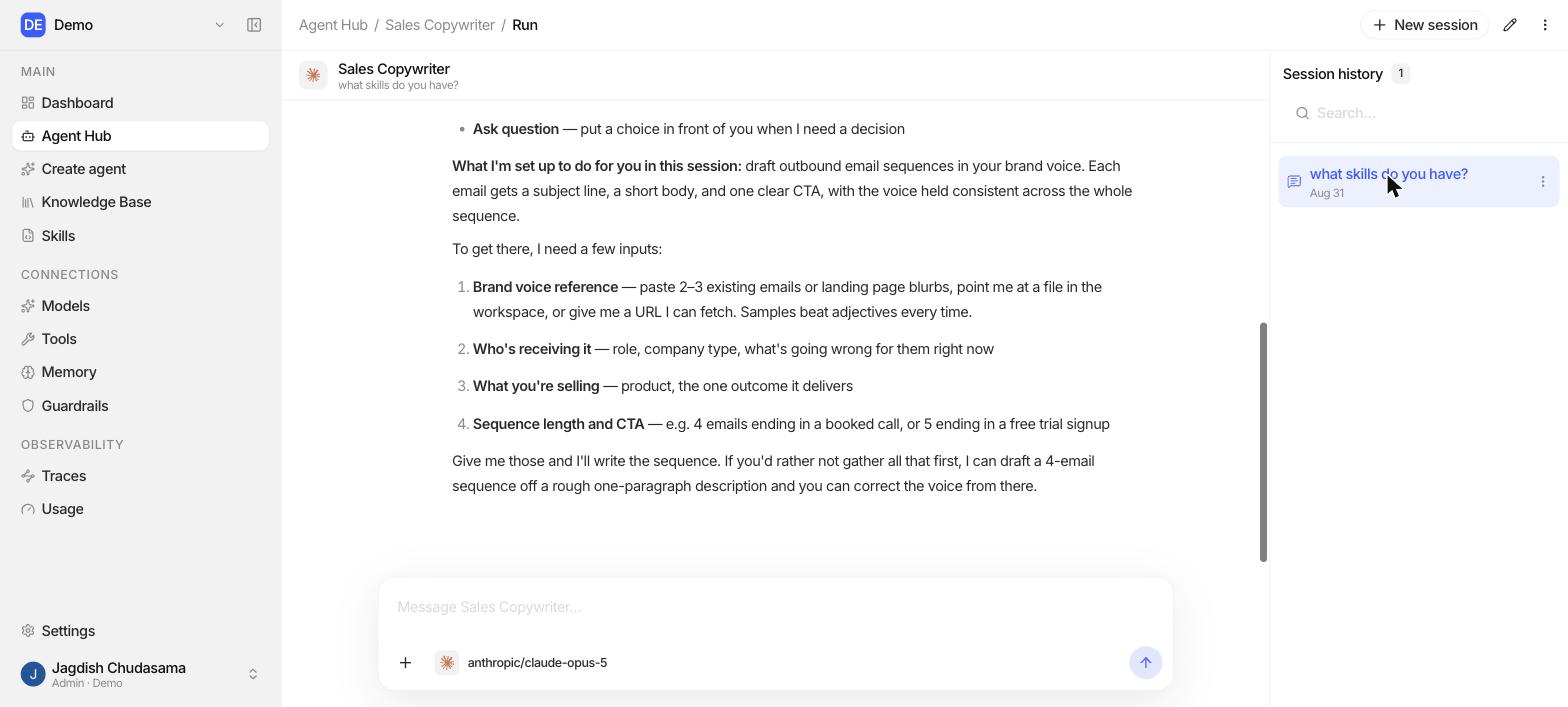
The sandbox is where you talk to an agent. It appears in two places:
- Inside the Agent Builder, as the right hand pane, labelled Playground, so you can test a change the moment you make it.
- In the Agent Hub, as a full screen run view, for everyday use of a published agent.
The loop
Loading diagram...
What you can do there
- Send a message and watch the answer stream in
- Queue a follow up while it is still working
- Stop a run
- Answer a question the agent asks you, and let it continue
- Start, rename and delete sessions
- Clear the Playground conversation
Good habits
| Habit | Why |
|---|---|
| Change one thing per run | Two changes at once tell you nothing about which one worked |
| Keep a set of test questions | Re run them after every meaningful edit |
| Include the awkward cases | Empty input, wrong language, an off topic question, an attempt to make it break a rule |
| Test tools against a test account first | A sent email cannot be unsent |
| Open the trace when something is odd | The trace shows what actually happened, not what you assume happened |