

Audit logs
Where to find it
Settings → Audit log
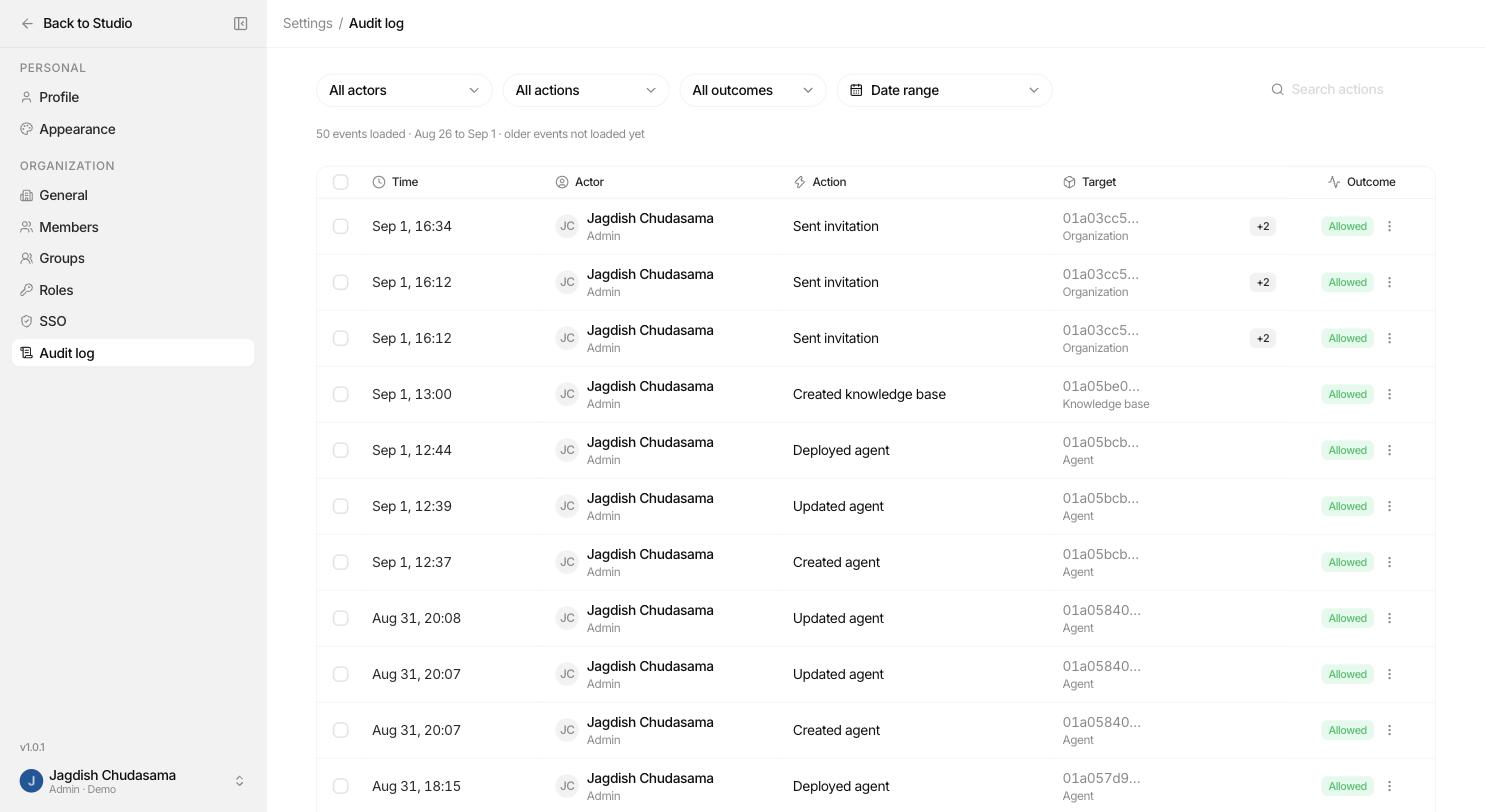
What a row contains
| Column | Meaning |
|---|---|
| Who | The person who acted, and the role they held at that moment. |
| Action | A specific action name such as agents.deploy or connectors.connections.create. |
| Targets | The objects involved. An attach records both the agent and what was attached. |
| Outcome | Allow (permitted and completed) or Deny (refused by authorization). |
| Reason | Why, on a denial. |
| Context | IP address, browser, session and request identifiers. |
| Metadata | Extra safe detail, redacted and size capped. |
| When | Timestamp. |
Denials are recorded too
This is the part people miss. When someone is refused, a Deny row is written with the reason. That is what turns the audit log into a security tool rather than just a change history: repeated denials from one account are visible.
What gets logged
| Group | Examples |
|---|---|
| Organization | Created, updated or deleted the organization |
| Members | Removed a member, changed a member's role, left the organization |
| Invitations | Sent, accepted, rejected or cancelled an invitation |
| Roles | Created, updated or deleted a role |
| Groups | Created or deleted a group, added or removed a group member |
| Sharing | Shared a resource, removed access to a resource |
| Connectors | Connected, updated, disconnected, reconnected or deleted a provider; changed the model allowlist |
| Tools | Started a tool connection, changed exposed tools, disconnected a tool account |
| Agent wiring | Attached or detached a skill or knowledge base; set memory; set guardrail; set a tool account; changed tool sharing mode |
| Lifecycle | Created or deleted an agent, skill or knowledge base; deployed, paused, resumed, archived or restored an agent; uploaded, deleted or retried a document |
| Configuration | Updated an agent, skill or knowledge base; created, renamed or deleted a folder |
| Audit | Read the audit log, exported the audit log |
Filtering and export
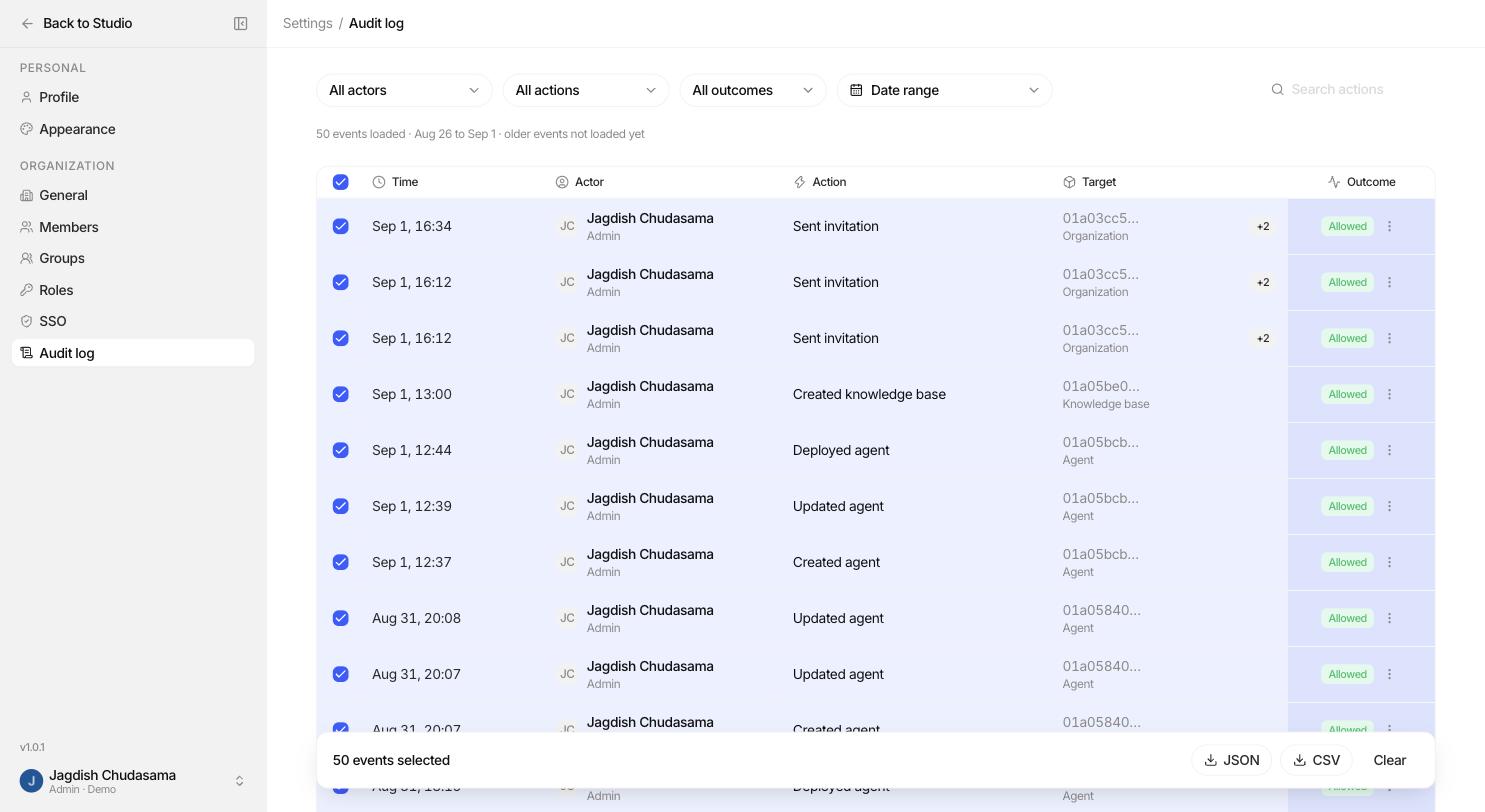
Filter by person, action group, outcome and date range, then click Export to download the filtered set for an external review or a ticket.
Properties you can rely on
| Property | What it means for you |
|---|---|
| Append only | Rows are never edited or deleted, by anyone, including admins. There is no code path that can. |
| Role at the time | The role recorded is the one held when the action happened, not the one held today. |
| Outlives the user | Deleting a user does not erase their history. The trail keeps an identifier that names nobody. |
| Organization scoped | You only ever see your own organization's rows. |
Audit log vs. traces
| Audit log | Audit traces | |
|---|---|---|
| Question | Who changed the system? | What happened inside a run? |
| Records | Configuration and access decisions | Model calls, tool calls, retrievals, guardrail checks |
| Permission | audit: read | trace: read and trace: read_payloads |