

Welcome to CreateOS Studio
What is CreateOS Studio?
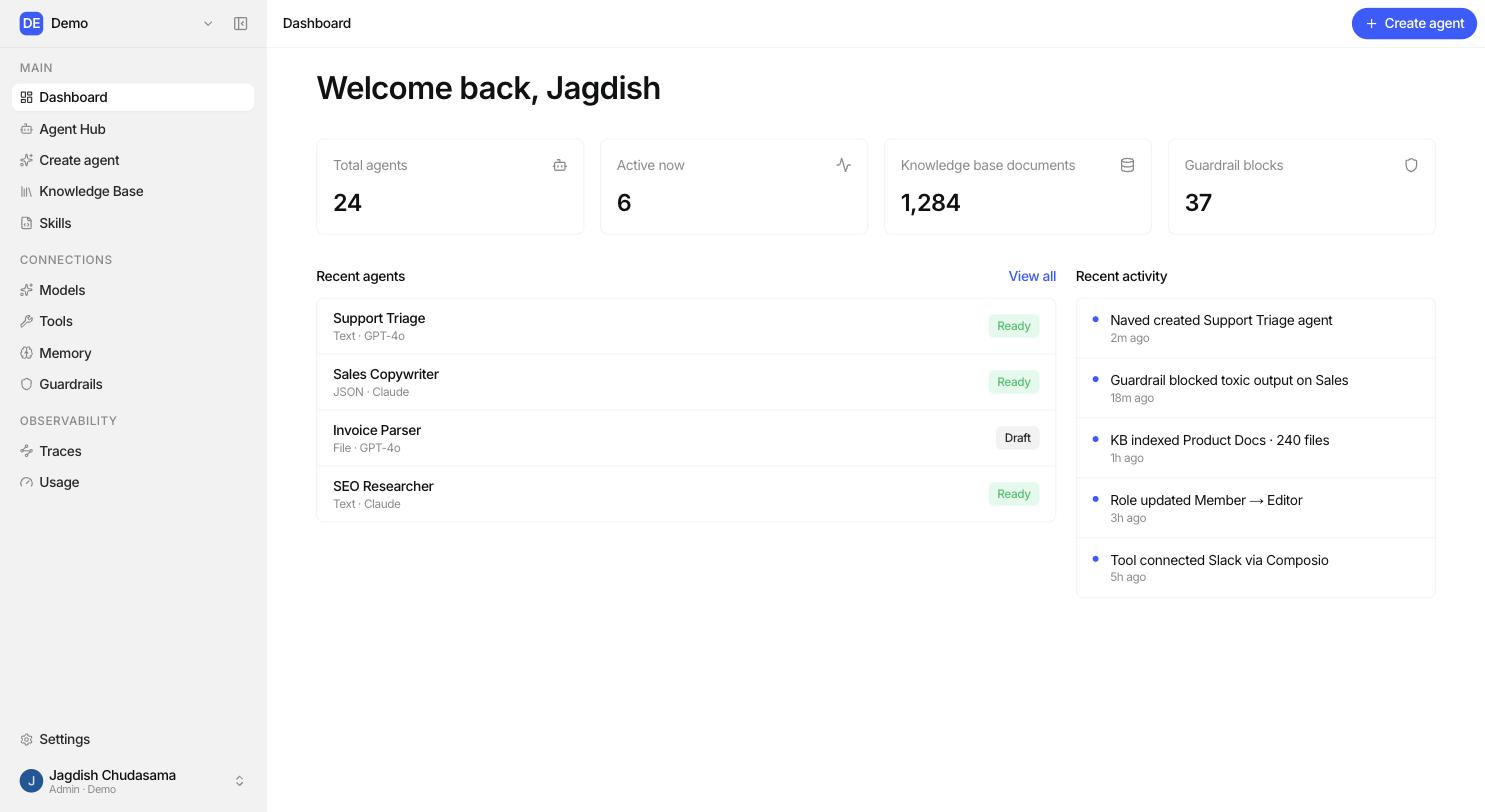
CreateOS Studio is a place where your team builds, governs, and runs AI agents, without writing code.
An agent is a helper you describe in plain English. You tell it what its job is, give it your company's documents, connect the apps it may touch, and set the rules it must follow. Studio does the rest: it picks up your instructions, calls the right AI model, searches your documents, uses your tools, and records every step it took.
Who it is for
| If you are... | Studio gives you... |
|---|---|
| A business or operations lead | A no-code builder to turn a manual process into a working agent. |
| A subject-matter expert | Knowledge bases and skills, so the agent answers using your material. |
| An IT / platform admin | Model providers, SSO, roles, guardrails and an immutable audit log. |
| A developer | A typed API, an OpenAPI reference, and an HTTP runtime you can embed. |
The five stages of an agent
Every agent in Studio is built in the same five stages. The Agent Builder is organised around them, and so are these docs.
| Stage | Question it answers | What you set up |
|---|---|---|
| Define | Who is this agent? | Name, goal, instructions, skills, model |
| Ground | What does it know? | Knowledge bases, memory |
| Act | What can it do? | Tools (Gmail, Slack, Notion, Salesforce...) |
| Govern | What is it allowed to do? | Guardrails, roles, sharing, audit logs, traces, usage |
| Operate | Is it working? | Playground runs, sessions, publishing |
How the pieces fit together
Loading diagram...
In plain words: Studio decides what is allowed and what is configured. The runtime does the work. Everything the runtime does is written down so you can review it later.
Core concepts
| Term | What it means |
|---|---|
| Organization | Your workspace. Agents, documents and connections all belong to one organization. |
| Agent | One configured helper with a goal, instructions, a model and its attachments. |
| Session | One ongoing conversation with an agent. Sessions keep their history. |
| Run | One turn inside a session. You ask, the agent answers. |
| Step | One thing that happened inside a run: a model call, a tool call, a document search, a guardrail check. |
| Knowledge base | A folder of documents the agent can search. |
| Skill | A reusable block of instructions you can attach to many agents. |
| Toolkit | A connected app (Gmail, Slack, Notion...) and the actions it exposes. |
| Connection | A credential your admin added: a model provider, a memory provider, or a guardrail provider. |
| Guardrail | A safety check applied to what goes in and/or what comes out. |
| Trace | The step-by-step record of a run, with timings, tokens and cost. |
What Studio guarantees
- Your data stays in your organization. Every read and write is scoped to your organization, including document search.
- Nothing happens without a record. Sensitive actions are written to an append-only audit log, including refusals.
- Credentials are never shown back. API keys and OAuth tokens are encrypted and never returned by the API or the UI.
- Access is checked twice. A role decides what you can create; a per-object permission decides what you can reach.
Where to go next
- Getting started with Studio: set up your workspace and ship your first agent.
- Agent Builder: the full reference for every builder section.
- Sandbox: run, test and iterate.
- Enterprise Use-Cases: patterns by industry.
- APIs & SDKs: build on top of Studio.