

Agent Hub
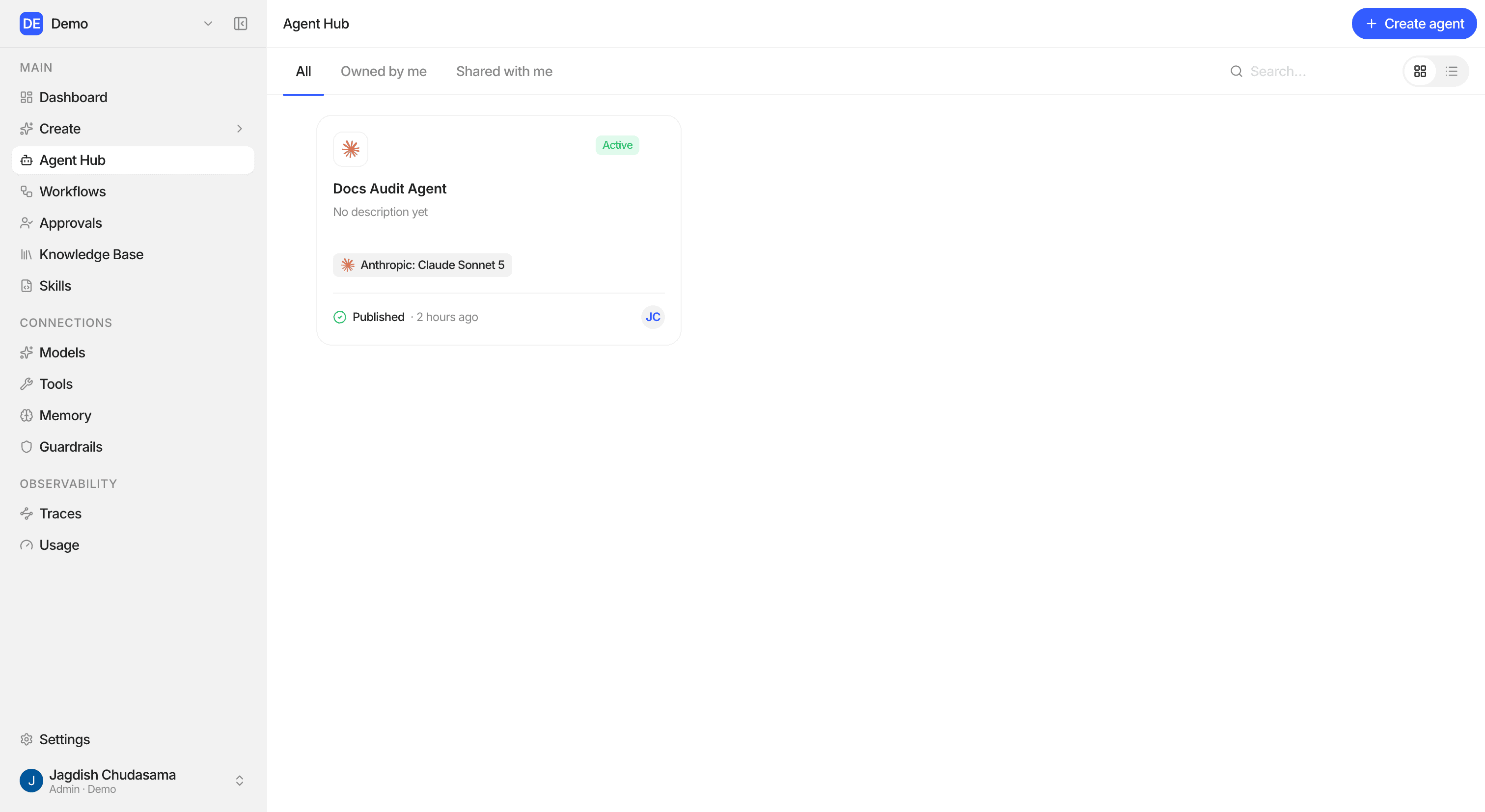
Finding an agent
| Control | Does |
|---|---|
| Tabs | All, Owned by me, Shared with me |
| Search | Matches name and description |
| Grid / List | Switch views. Studio remembers your choice. |
| Sort (list view) | Name, Status, Model, Last change, Owner |
| Load more | Fetch the next page |
Create agent is at the top. It is greyed out, with a tooltip, if your role
does not hold agent: create.
The agent page
Click an agent to open it. The page has these sections:
| Section | Shows |
|---|---|
| About | Name, description, goal, status, owner |
| Instructions | The agent's instructions |
| Model & Memory | The model and memory connection |
| Tools & Knowledge | Attached toolkits, skills and knowledge bases |
| Access | The Publish to Slack connection, and how to call it through the Public API |
Click Run to open the full-screen chat. See Agent Sandbox.
The actions menu
What the menu offers depends on the agent's status and your access.
| Status | Actions |
|---|---|
| Draft | Publish, Archive |
| Active | Pause, Archive |
| Paused | Resume, Archive |
| Archived | Restore (back to Draft) |
| Any | Share, Duplicate configuration, Delete agent |
Duplicate configuration
Makes a private draft copy for you to experiment with.
| Copied | Not copied |
|---|---|
| Name, description, goal, instructions, model, output format | Skills, knowledge bases, tool accounts, memory, guardrail, sharing, Slack, sessions |