

Workflows
Agents or workflows?
| Agent | Workflow | |
|---|---|---|
| Shape | A conversation | A diagram of steps |
| Who decides the next step | The model | You, when you drew it |
| Started by | A person sending a message | A person, a schedule, or another workflow |
| Good for | Open-ended questions, drafting, research | Repeatable processes: triage, approvals, digests, reconciliations |
| Together | Can be one step inside a workflow | Calls agents as steps. Use the agent for judgement and the workflow for the process around it. |
How a workflow runs, in one picture
Loading diagram...
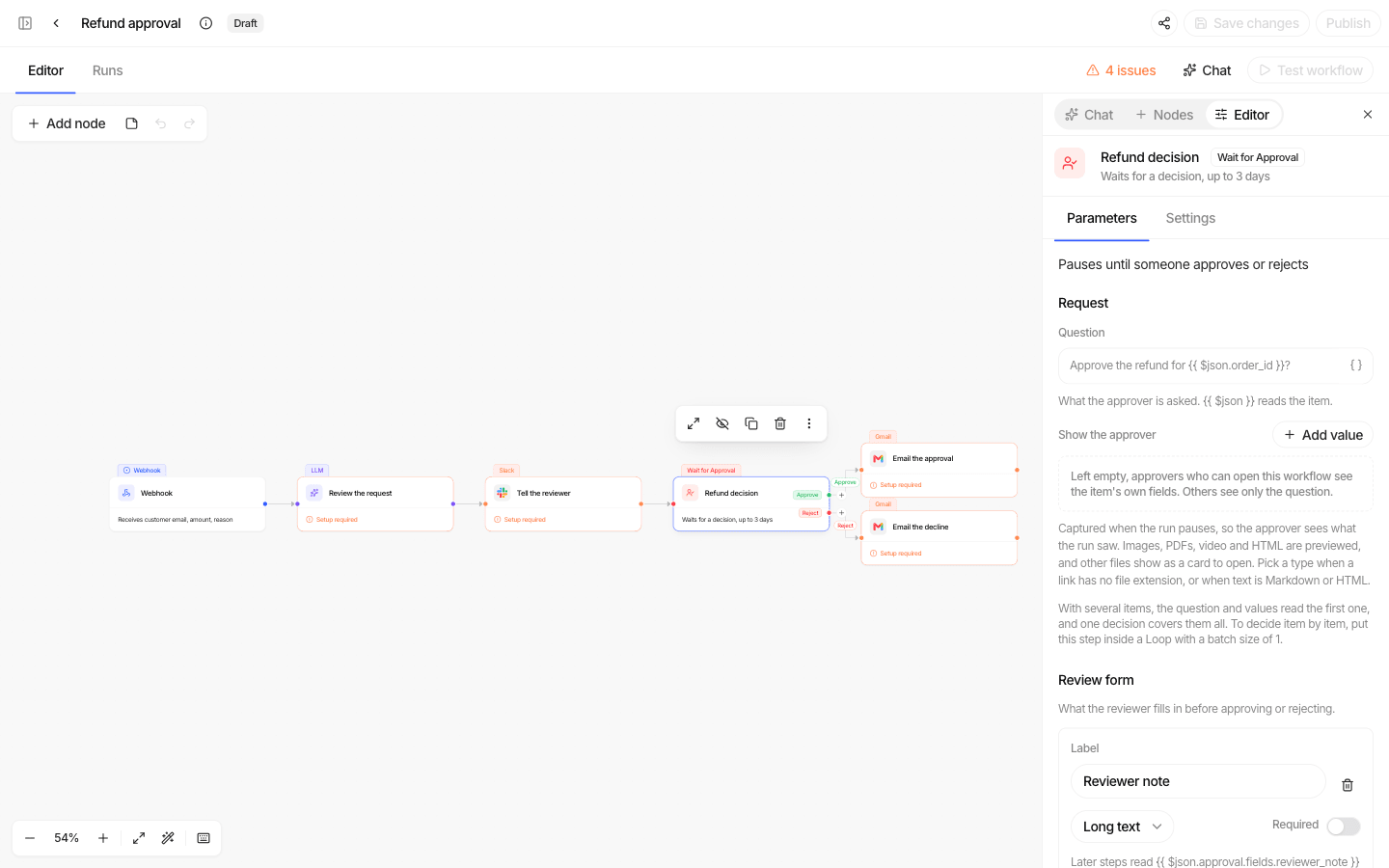
Data moves between steps as a list of items. Each step receives the items, does its work, and passes items on. If a step outputs ten items, the next step runs ten times, once per item.
Where to find it
| Sidebar | What it is |
|---|---|
| Workflows | All workflows you can reach. Tabs All / Active / Draft, search, grid or list (Name, Status, Trigger, Steps, Last run). |
| Create → New workflow | Start from a prompt, a template, or from scratch. |
| Approvals | Decisions waiting for you. |
| Traces → Workflows | Every workflow run, step by step. |
Lifecycle
Loading diagram...
| Status | Meaning |
|---|---|
| Draft | Never published. Can be tested, not run for real. |
| Active | Published. Runs manually and on its schedules. |
| Paused | Schedules stop firing. Configuration and versions are kept. |
Pause and resume are available through the Workflow API today; a button in the builder is coming.
Every publish freezes a numbered, read-only version. Runs always record which version they executed, so a trace always matches the steps that actually ran.
Who can do what
Creating workflows needs the workflow: create permission. Out of the box only
admins hold it. Grant it to a role in Settings → Roles before your builders can
start. 👉 RBAC, teams and permissions
Each workflow is shared like an agent:
| Level | Can |
|---|---|
| Viewer | Open it, see its runs, bind their own app accounts |
| Editor | Edit, publish, run, cancel runs, answer approvals that name no approver |
| Admin | Delete and share it |
In this section
| Page | Covers |
|---|---|
| Building a workflow | Create one, the canvas, saving, testing and publishing. |
| Step reference | Every step type and its settings. |
| Data and expressions | Items, {{ $json.field }}, and how data moves between steps. |
| Triggers and schedules | Starting a workflow by hand or on a timetable. |
| Approvals | Human-in-the-loop decisions, notifications and the Approvals page. |
| Running and monitoring | Run states, error handling, retries, traces and limits. |
| Workflow assistant | Build and edit workflows by describing them. |
| Workflow API | The workflows.* procedures. |