

Workflow assistant
Where it is
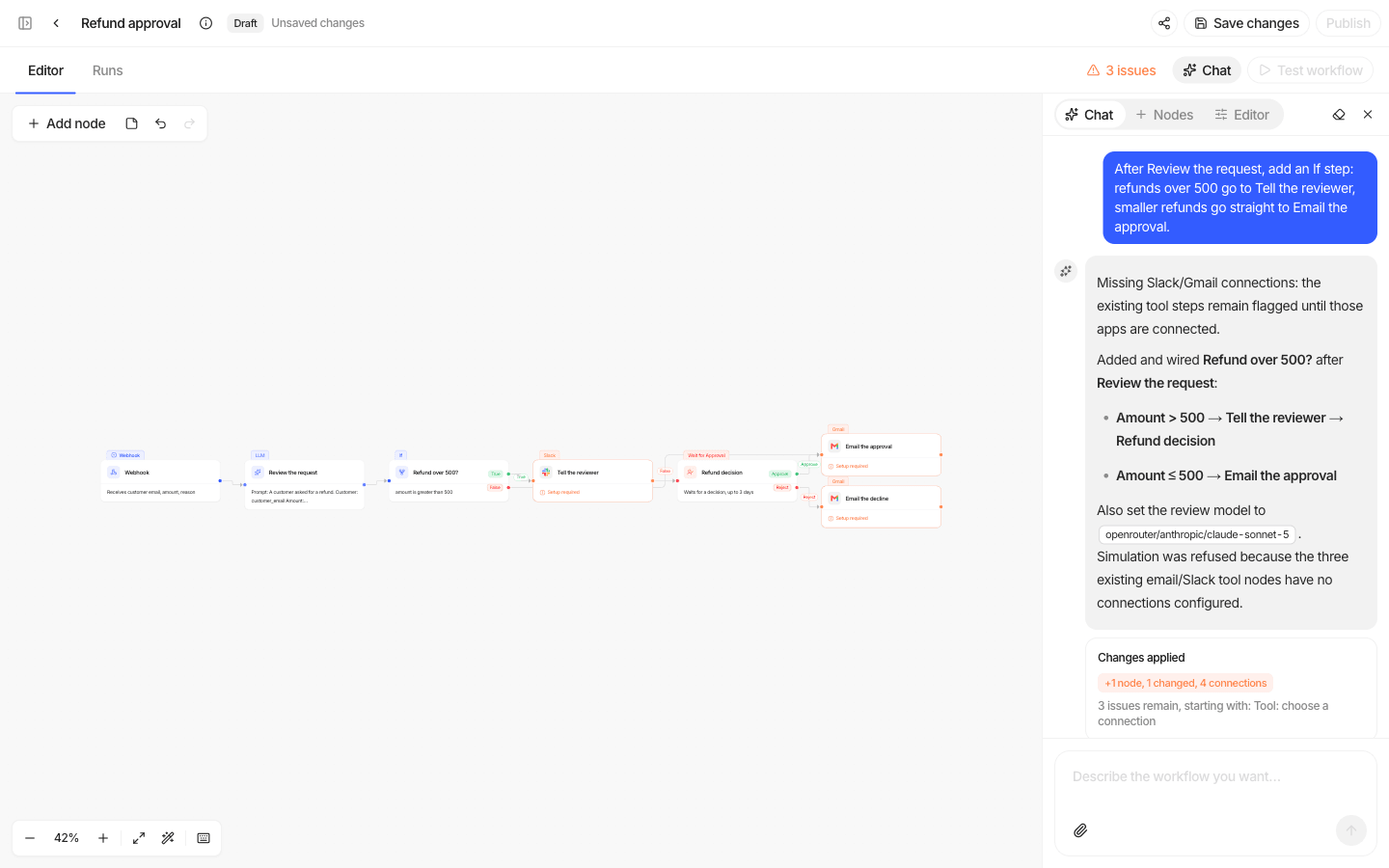
- New workflow page: type what you want (e.g. "Score new CRM leads") and the assistant starts drafting as soon as the builder opens.
- In the builder: the Chat tab in the right rail, at any time.
What it does
| Capability | Notes |
|---|---|
| Look things up | Step types, your connected apps and their actions, your agents, other workflows, guardrails, the current canvas, and results from the last run. |
| Edit the canvas | Add, configure, connect, rename and delete steps, and change workflow settings. Each batch of edits applies all at once or not at all. Edits are saved to the draft straight away. |
| Simulate | Dry-runs its work with sample data. No email is sent and no credential is used. |
| Publish | Only when you ask, and only after a successful simulation. |
It asks one clarifying question when a request is ambiguous, gives every step a clear name, and names the workflow.
Safety
- Its edits land in the draft. Nothing runs for real until the workflow is published.
- Review the canvas before publishing, especially Tool steps that send or change things.
Models and cost
The assistant itself runs on a model configured by your Studio operator and is not billed to your organization's model connections. The AI steps it adds (LLM, Extract Fields, Label Document) use a default model chosen by the operator and run on your organization's providers when the workflow runs. Change the model on any step if you prefer another.
If the operator has not configured the assistant, the Chat tab is unavailable.